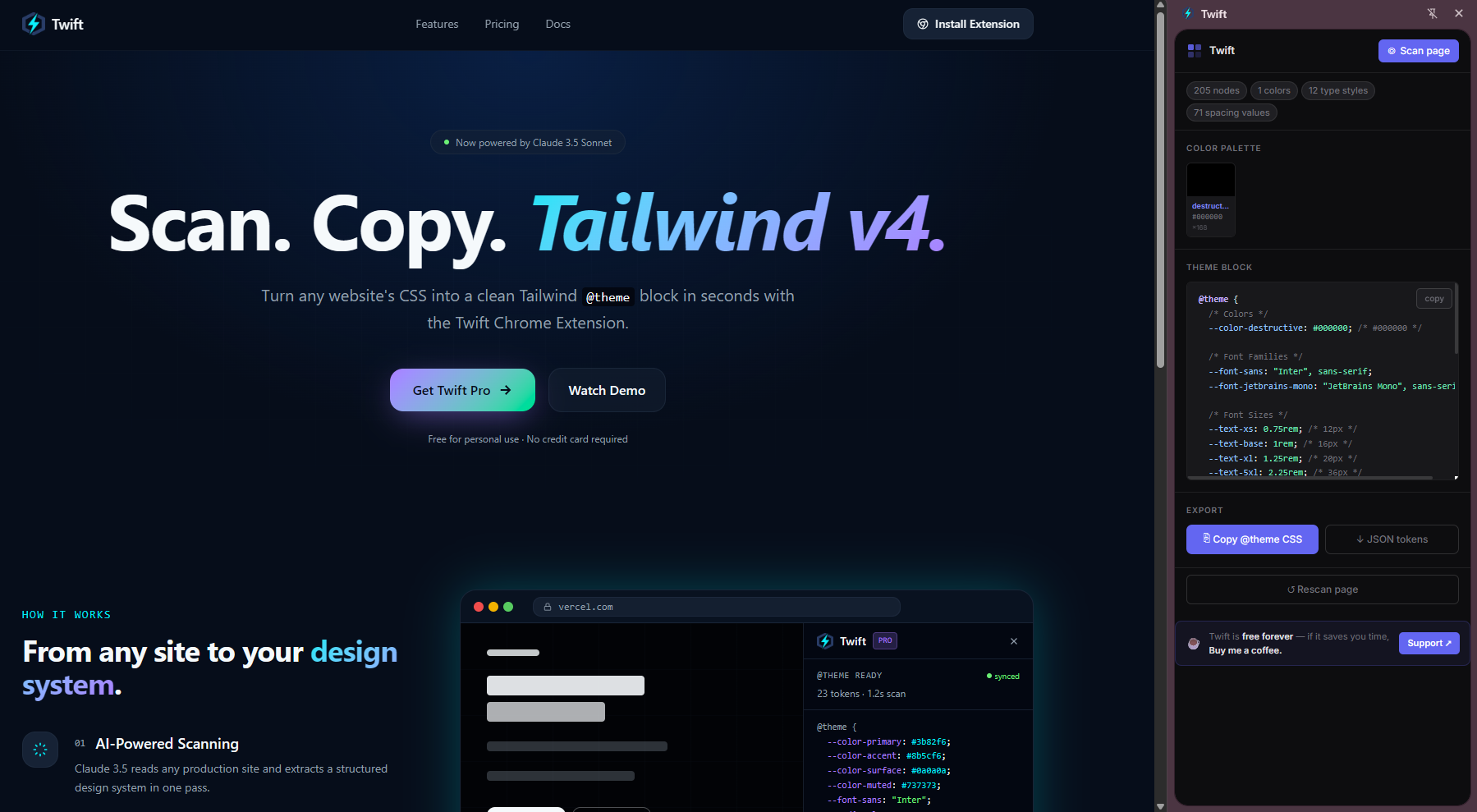
Scan. Copy. Tailwind v4.
Turn any website's CSS into a clean Tailwind @theme block in seconds with the Twift Chrome Extension.
Free for personal use · No credit card required
How it works
Pick, edit, and export production-ready styles.
- 01
Hover & select any element
Activate the picker, hover over any element on the page, and click to inspect it. A persistent violet highlight marks your selection so you never lose track.
- 02
Edit styles live in the panel
Tweak any computed CSS value inline, toggle properties on/off with checkboxes, and paste multi-line CSS in the Add Style area — changes apply to the page instantly.
- 03
Responsive breakpoint editor
Switch between Base, Mobile, Tablet, and Desktop tabs. Twift resizes the viewport live so you can write and preview breakpoint-specific styles at each screen size.
- 04
Export as Plain CSS or Tailwind v4
Copy clean Plain CSS with automatic shorthand combining, shadow cleanup, and oklch→rgb conversion — or switch to the Tailwind v4 tab for a ready-to-paste @theme block with semantic token names.
Pricing
Twift is 100% Free
Supported by developers like you.
Community
Every feature, every update — no paywall, no account required.
- Hover-to-inspect element picker with live highlight
- Inline style editing with per-property enable/disable toggles
- Add Style textarea — paste multi-line CSS instantly
- Responsive breakpoint editor (Mobile / Tablet / Desktop)
- Live viewport resize for accurate breakpoint preview
- Plain CSS export with shorthand combining (padding, margin-inline, border)
- Tailwind v4 @theme block with semantic token names
- Box shadow cleanup & automatic oklch → rgb conversion
- Chrome Side Panel workspace — no DevTools required
- Unlimited site scans
- Community support on GitHub
Donations are voluntary and non-refundable.